PSV 2000 USB-C Charging port Installation Guide
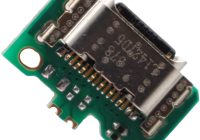
This guide is to help you install your USB-C PCB to replace your PSV 2000 Charging port.
This guide is to help you install your USB-C PCB to replace your PSV 2000 Charging port.
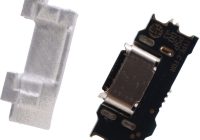
This guide is to help you install your USB-C PCB to replace your PSP GO charging port. 1.Use a hot air gun to remove the original interface of the PSP Go (recommended temperature is 350-380 degrees Celsius) 2. Use tin tape to clean the excess tin and ensure that the pad is flat 3.After the… Read More »
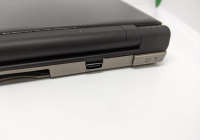
This guide is to help you install your USB C PCB to replace your dsi/dsixl charging port. Removing old port First things first you will need to strip your dsi/dsixl right down to the bare PCB. I like to add some leaded solder to bring the melting point of the solder down so it easier… Read More »

The mini PC Wall VESA Mount has been specifically designed and tested to mount your OptiPlex Micro Desktop to the back of the E Series monitors or any VESA monitor. 4. Slide the computer into the VESA mount. 5. Tighten the thumbscrew to secure the computer to the VESA mount. 6. Align the screws on… Read More »

This is the Left and Right Mouse with 3 Buttons keys, compatible with Lenovo Thinkpad X230 X240 X250 X260 X270 Laptop series. Please install the driver before used: Synaptics touchpad driver 18.0.7.57 from ThinkPad website. How to install the driver? A: Uninstall the touchpad driver and restart, then update touchpad driver (If the driver is… Read More »

1. Remove the film that covers the thermal pad on the carrier, if any. Then, install the M.2 solid-state drive by sliding the drive in the carrier. 2. Move the film that covers the thermal pad at the bottom of the heat sink, if any. Then, install the heat sink onto the M.2 drive in… Read More »

upgrading the storage on the ROG Ally 2023 is quite easy and can be done in just a few minutes. In this article, we are going to take things a step further and show you how to utilize a 2280 M.2 instead of the standard 2230 M.2 drive that comes with it. Firstly, you will… Read More »

The Wireless-AC AX201 adapter supports Bluetooth+ 5 and 2×2 802.11ac Wi-Fi including wave features such as 160MHz channels, delivering up to 2.4Gbps and downlink MU-MIMO. These new features deliver a significant increase in user speeds in dense deployments, supporting fast downloads and long battery life compared to legacy 802.11ac devices. Combined with Core™ processors and… Read More »
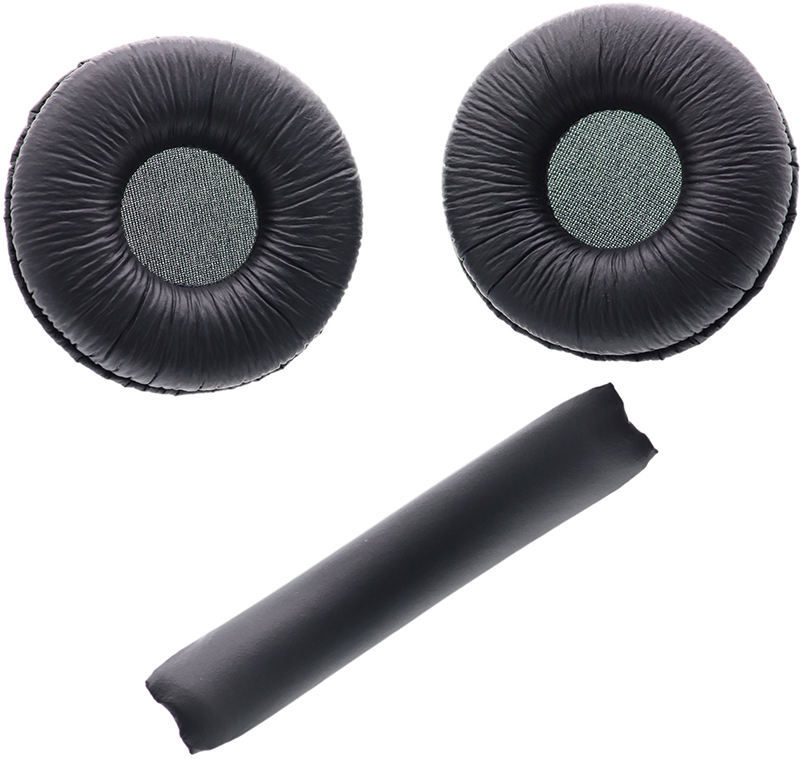
Your old, beat up ear cushions are negatively affecting the sound performance of your headphones. These ORIGINAL earpads comfortably conform to your ear, blocking out noise and dialling in the sound, so you can drift off into the beats. The JBL TUNE series headphones Lightweight and comfortable thanks to the soft ear cushions and padded… Read More »
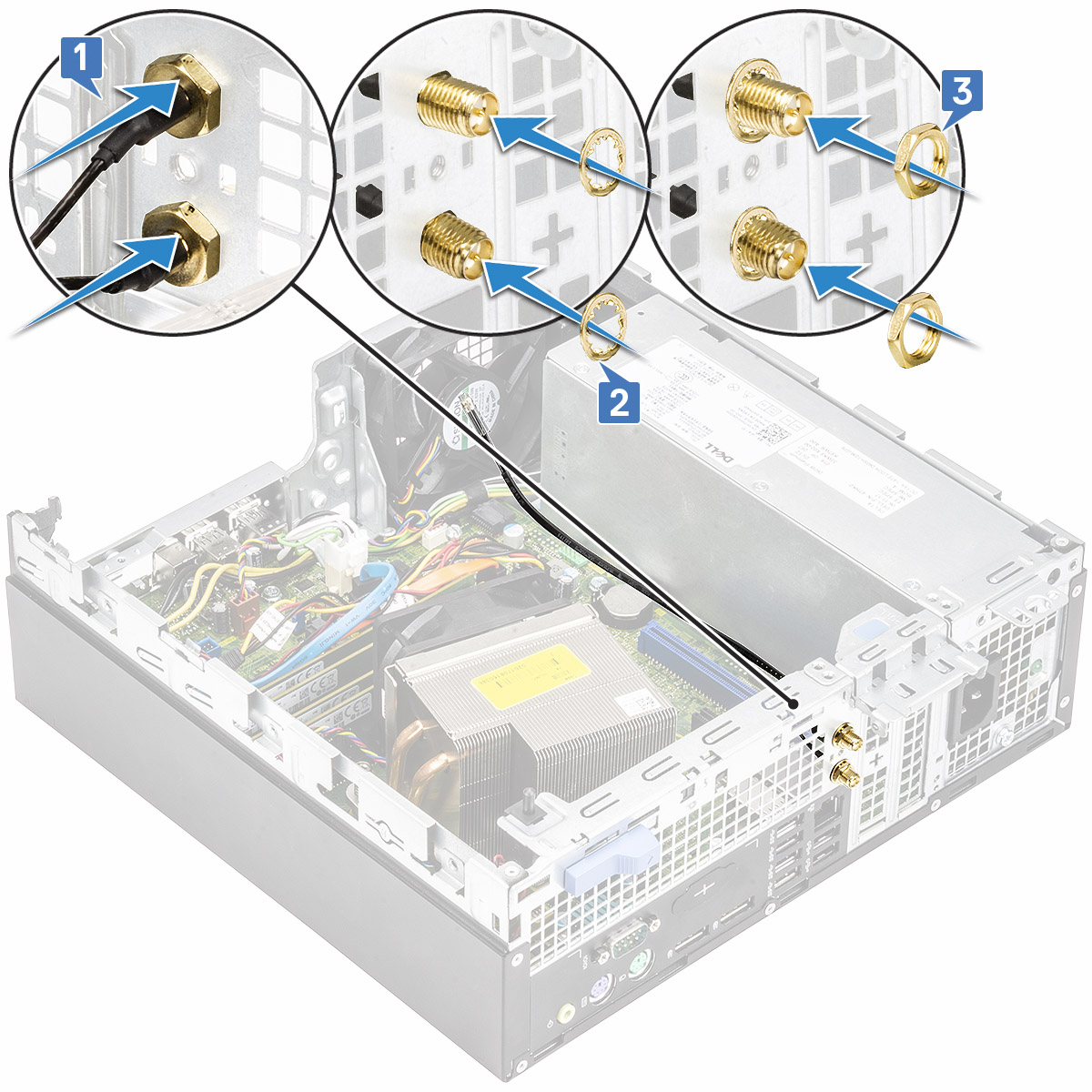
2. Push the blank filler with a screw driver. 3. Insert the antenna cables into the antenna slot on the chassis [1]. 4. Replace the metal washers on to the antenna connectors [2]. 5. Replace the nuts to secure the antenna connectors to the chassis [3]. 6. Affix the retention clip on the chassis as… Read More »